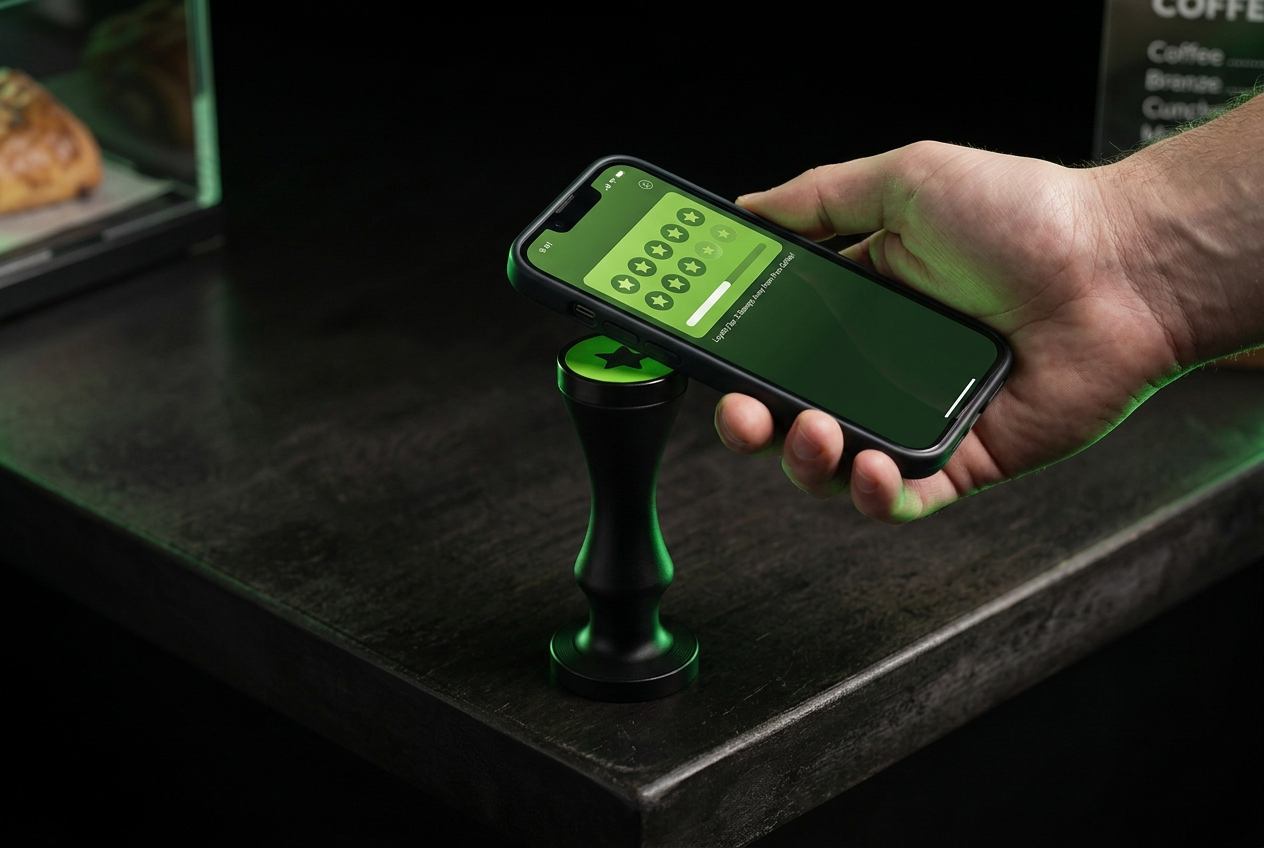
One tap. One stamp. One more visit.
LoyaltyTap replaces paper stamp cards with a single tap at your counter. Here is the whole loop, exactly as your customers experience it.
14-day free trial • Payment details required to activate
- 1Purchase
- 2Tap
- 3Stamp
- 4Progress
- 5Reward
- 6Return
- Purchase
- Tap
- Stamp
- Progress
- Reward
- Return
1 — The customer joins
A new customer scans the QR code on your counter card, or taps the NFC point. Their digital loyalty card is created in seconds — no app store, no forms to print.
2 — Staff taps to stamp
After the purchase your team taps the LoyaltyTap NFC point against the customer's phone. LoyaltyTap identifies the business, the location and the customer's card.
3 — The stamp is added automatically
The valid tap is the loyalty interaction. The stamp is written, the card updates instantly and device tokens plus cooldowns quietly block duplicates and abuse.
4 — The reward unlocks
When the stamp goal is reached the reward appears on the card. Your team redeems it from the dashboard using the customer's card code.
5 — You bring them back
Send a push notification to customers who opted in — a reward reminder, a weekend offer, or a nudge for regulars you haven't seen in a while.
6 — The card lives on their phone
Customers add the card to their iPhone Home Screen. Reopening the icon goes straight back to their own card, with their own progress.
The whole kit is two things on your counter.
A card customers scan to join, and an NFC point your team taps to stamp.
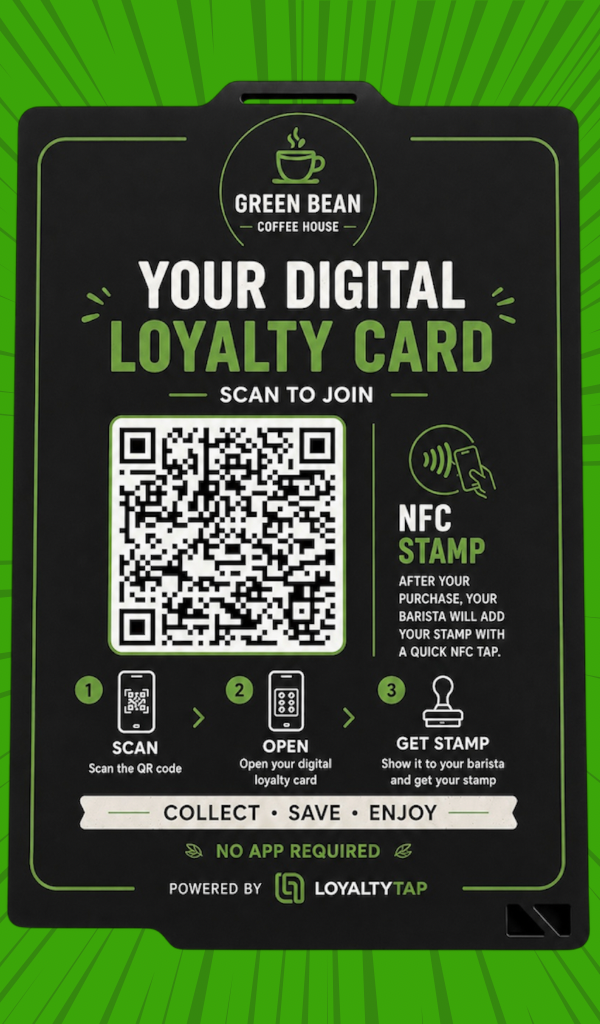
Scan to join
New customers scan and their loyalty card opens instantly. No app to download.

Tap to stamp
One tap after the purchase and the stamp is added automatically.
Nothing new to learn.
Staff don't approve anything, log anything, or open an app. They tap. Everything else — validation, cooldowns, the audit trail, the customer's progress — happens in the background, and it's all visible in your dashboard.